Use the same units, choose meaningful targets and keep notes that describe your typical throw. A rangefinder is most useful when it fits that larger routine.
The tee sign describes the hole. Your next decision may concern something much closer: the opening between two trees, a comfortable landing area or the space before a corner. Measuring the basket can be helpful, but it does not automatically answer the question that matters for your next throw.
We think of rangefinding as a way to make your own observations more consistent. It provides a distance to a visible target. You supply the context: the route, the terrain, the conditions and what you know about your discs. Our feet-capable REVASRI rangefinders help keep the measurement language aligned with your practice notes.
Choose one distance language
Before a practice session, check the unit on the display and write the same unit at the top of your notes. That simple step prevents an avoidable misunderstanding. A reading of 100 yards describes 300 feet; it does not describe a 100-foot target. A number without its unit is an incomplete measurement.
The N1 and R2 options support feet, yards and meters. Other rangefinders may offer only yards and meters, so check the exact model before buying. Feet can be convenient when your course signs and disc-golf notes use feet, while meters may make more sense for another course or a different set of personal references.
| Yards | Feet | Meters |
|---|---|---|
| 50 | 150 | 45.72 |
| 75 | 225 | 68.58 |
| 100 | 300 | 91.44 |
| 125 | 375 | 114.30 |
These conversions are exact arithmetic, rather than measurements made by a device. They are useful when a course sign and your notes use different units. For everyday practice, however, selecting one unit and leaving your records in that unit usually removes unnecessary mental work.

Measure the next useful target
A line-of-sight reading goes from the instrument toward the object you aim at. It does not follow a curved flight path around trees. On a bending hole, the straight distance to a basket may therefore describe something different from the route you intend the disc to travel.
Begin with a visible landmark that relates to your plan. It might be a clear object near a landing area or a feature that helps you locate the next gap. Name that object in your notes rather than writing only the distance. “Tree beside the open landing patch” carries more useful context than an unexplained number.
Make sure the target is distinct from its background. If a distant tree returns a plausible number while you intended to measure a nearer basket, repeat the reading. A steady view, a clearly chosen object and agreement between repeated attempts matter more than collecting many readings quickly.
Do not aim a laser or optical instrument toward people, animals, vehicles or the sun. Choose stationary, appropriate landmarks and use the device according to its supplied instructions. When the route is not clear, wait rather than trying to fit a measurement into an unsafe or distracting moment.
Build useful practice references
A personal distance record becomes more helpful when it describes repeatable results. Your longest throw on a favorable day is an interesting memory, but it may be a poor reference for a narrow landing area. Include where a group of ordinary attempts tends to finish and how widely those attempts spread.
Choose an open practice space where throwing is permitted and the area is clear. Establish one consistent starting point and a few visible stationary reference targets. Measure the references in your chosen unit before you begin. There is no need to select arbitrary distances simply because they look impressive on a chart.
Work with a manageable set of discs that you can identify in the notes. Record the actual disc used, the target and the conditions you noticed. Keep the starting point consistent enough that you are comparing like with like. If you move to a different spot, measure the reference again rather than carrying the old distance forward.
After a group of attempts, describe the typical landing area and spread. A short note such as “usually near the left side of the target area” may be more useful than a false sense of precision. The rangefinder contributes a distance reference; it does not assess your technique or explain every variation in flight.
| Entry | What to record |
|---|---|
| Starting point | A clear, repeatable position |
| Target and distance | The actual stationary landmark and direct reading |
| Unit | Feet, yards or meters written explicitly |
| Disc | The disc you actually used |
| Typical result | Landing area and spread, not only the longest attempt |
| Conditions | Wind observations, surface and elevation context |
Review those records across several sessions before treating them as a reliable pattern. A single session can be affected by changing conditions or unfamiliar equipment. The purpose of the log is to make your own experience easier to compare, not to give every throw a guaranteed outcome.
Keep elevation separate from a flight prediction
An uphill basket changes what you see and how you plan. A downhill target does too. A rangefinder can help describe parts of that geometry, but it does not know the flight characteristics of your particular disc or the release you will produce.
The R2 provides a mode for vertical elevation and direct distance. Its separate golf mode offers slope compensation. Those modes should not be treated as interchangeable: a golf playing-distance estimate is not a validated disc-flight calculation. Read the relevant measurement, observe the terrain and compare the situation with your own practice experience.
When you record an elevated reference, state what you measured. A direct reading from hand height to a basket target is not the same as a distance traced along the ground. Keeping that distinction in your notes makes it easier to interpret the record when you return to a flatter or differently shaped hole.
If you play both sports, our golf rangefinder guide explains the purpose and limitations of golf slope assistance in more detail. Use that explanation to understand the mode, rather than to transfer a club-oriented calculation directly to a disc.
Fit the measurement into the pace of play
A rangefinder should help you make a decision without becoming a separate interruption. Keep it accessible, know the controls before the round and use it when your group’s order and the playing conditions allow. Measuring distance does not provide extra time beyond the applicable rules.
“Yes, but you must still throw within the time allowed by the Excessive Time rule.”PDGA, QA-EQU-1, on rangefinder use. Read the official answer.
The current PDGA Excessive Time rule distinguishes between lies. It allows 30 seconds from a teeing area, a drop zone or within 20 meters of the target, and 45 seconds from other lies, once the rule’s starting conditions are met. That is why a blanket statement that every throw has the same time limit is not a useful shortcut.
Check the current Rule 802.03 and event instructions. Prepare the device before your turn where appropriate, and put it away once it has answered the relevant question. Familiar controls make that routine easier than learning a mode while others wait.
Understand what a putting-distance check measures
The PDGA putting-area rule uses the distance from the front of the lie to the base of the target. A handheld line-of-sight reading aimed at the upper basket or chains is not automatically the same measurement. The height of the instrument, target point and display rounding can all make that shortcut misleading near a boundary.
Do not use a convenient screen number as a substitute for the rules process when the position matters. Consult the group and the relevant rule. The PDGA’s putting-area definition explains the measurement used to determine a putt.
This is a good example of a broader principle: ask whether the device is measuring the same thing as the question you want answered. Rangefinding can support observation, but the target and reference points still need to be chosen correctly.
Choose a model around your routine
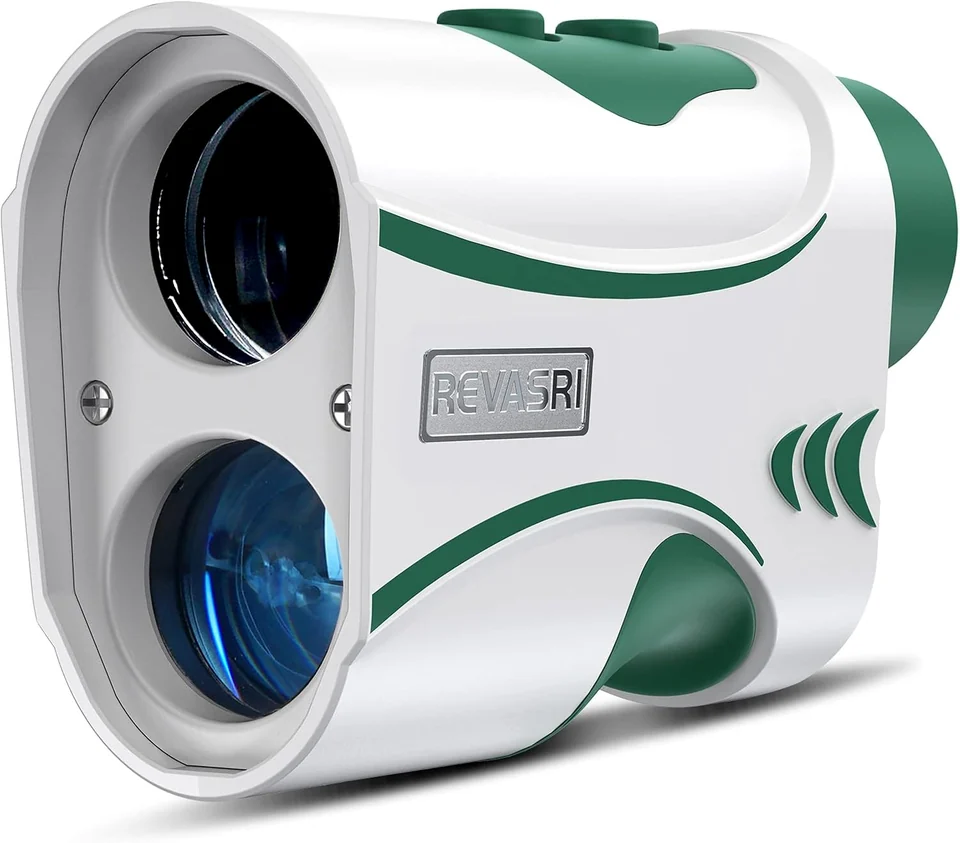
For a disc-golf setup, start with feet support if that is the unit you use. Then compare the display, control layout, carrying method and power source. The R2 combines feet, yards and meters with a separate elevation view. The N1 adds a side magnet and an external golf slope switch in a compact body.
A magnet can be useful in a suitable carrying setup, but it does not replace a secure pouch when the terrain or transport calls for one. Consider where the instrument will live between measurements and whether you can retrieve and store it without repeatedly rearranging your bag.
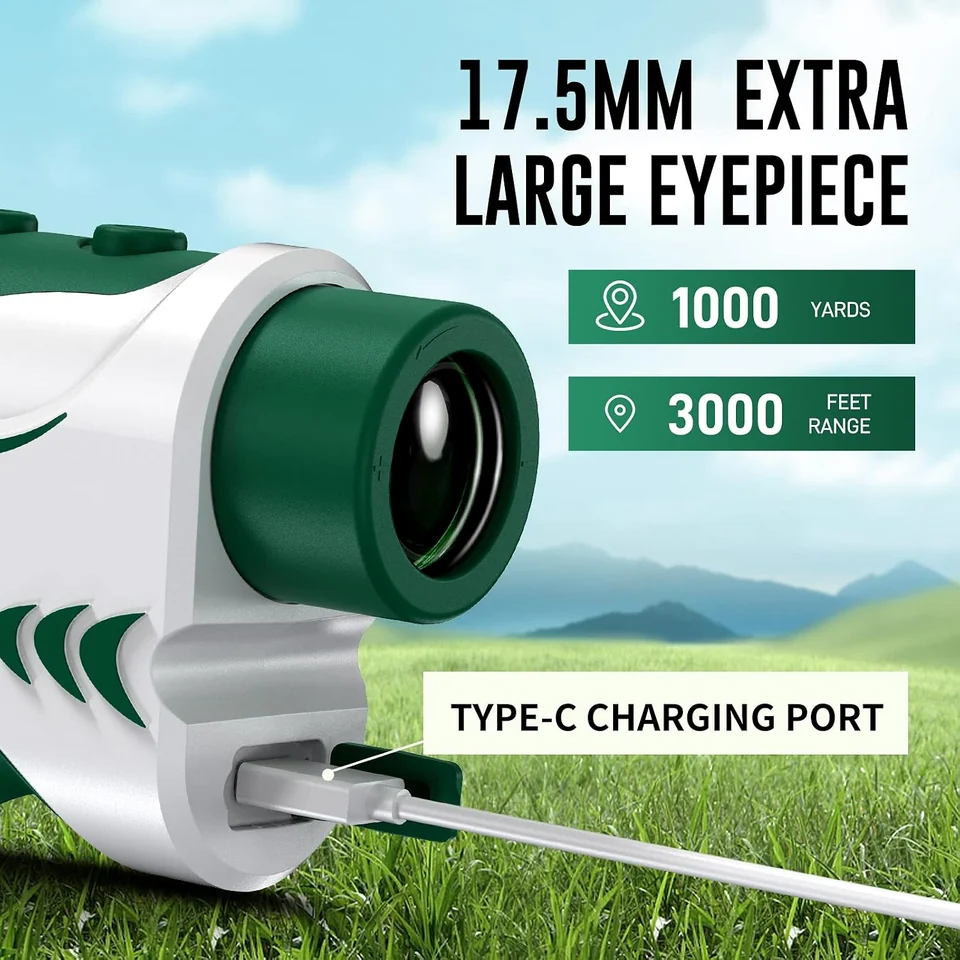
Recharge before you need the device, keep the charging port dry and use gentle optical care. If a reading looks wrong, first check the unit, mode and target. For model-specific button sequences, use the manual directory rather than assuming that two similar-looking devices operate identically.
Your own notes remain the center of the system. A consistent unit, a meaningful target and a realistic record of typical results make the number useful. Compare our disc-golf rangefinder options, then build a routine simple enough to repeat on an ordinary practice day.